Mark up fast
Add text annotations, highlights, freehand drawing, callouts, and measurements without leaving the document.
 Drawbridge
Native macOS PDF markup
Drawbridge is a native macOS PDF markup and takeoff app built for architects, designers, and engineers, with cloud markups, text annotations, highlights, freehand drawing, callouts, measurements, and fast save and export workflows.
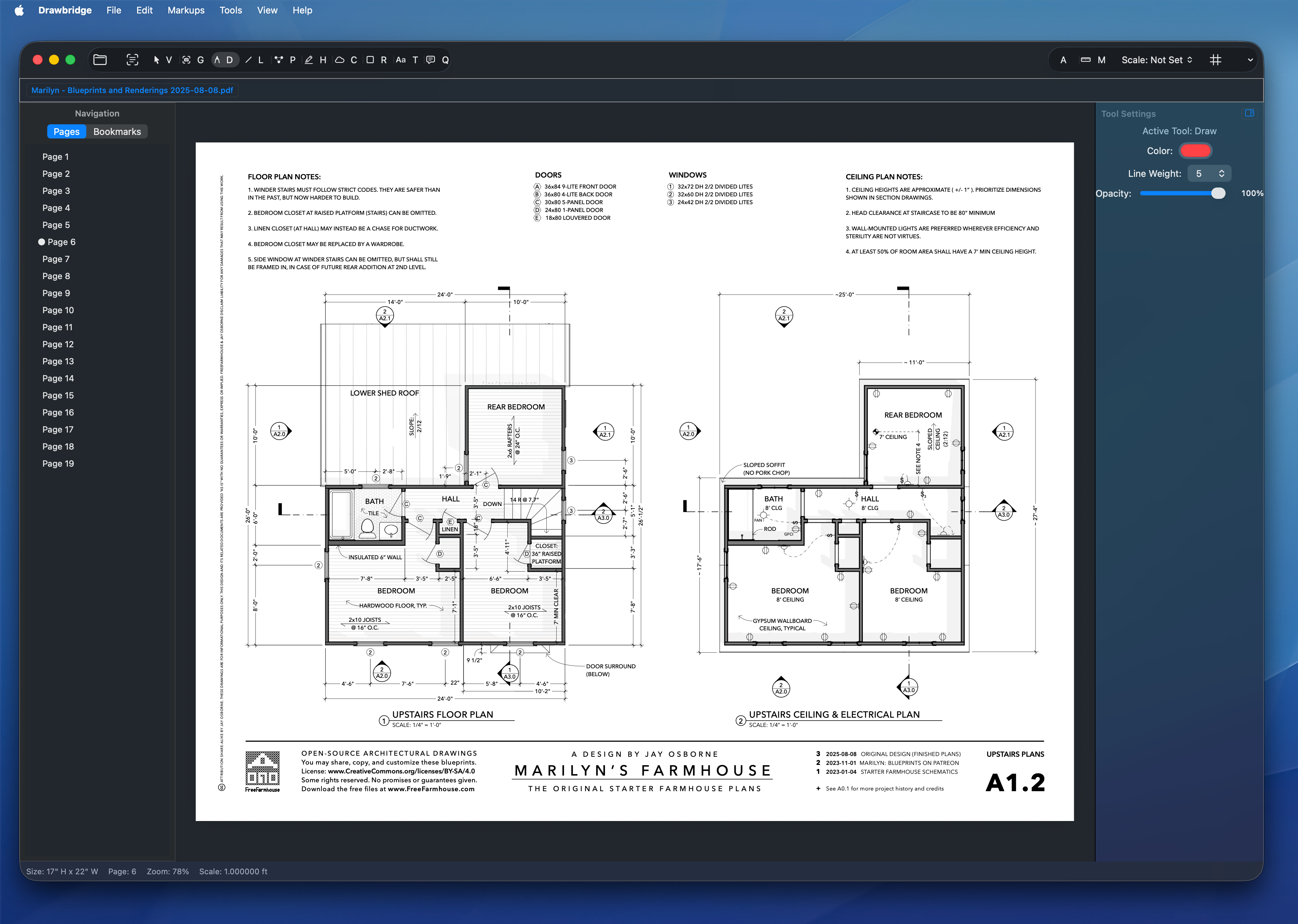
What it does
Add text annotations, highlights, freehand drawing, callouts, and measurements without leaving the document.
Built for architects, designers, and engineers who need a clear markup surface instead of a bloated document suite.
Keep revisions moving with fast save and export workflows aimed at real review sessions, not filing cabinets.
The app supports cloud markups and related backend workflows for accounts, uploads, sessions, and realtime sync.
Quick start
Launch the app on an Apple Silicon Mac running macOS 13 or newer.
Start from the drawing set, detail sheet, or review file you already have.
Use text, highlights, freehand drawing, callouts, and measurements to get comments out quickly.
Download
Download the latest `.dmg`, open it, and drag Drawbridge.app into Applications.